Donation Button
Use the Blink Donation Button widget to accept Bitcoin Lightning donations directly on your website.
It is a frontend-only integration that you can embed with a few lines of HTML and JavaScript.
Screenshot
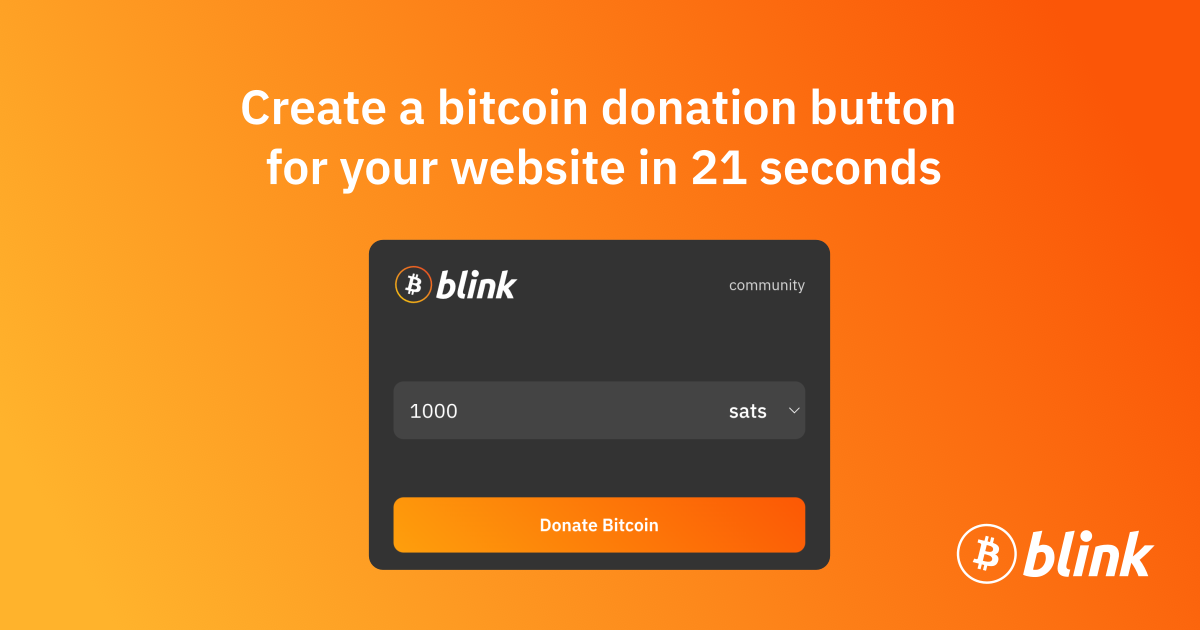
Live Generator
Create and customize your widget at:
Quick Embed Example
<!-- Blink Pay Button widget -->
<div id="blink-pay-button-container"></div>

<!-- Blink Pay Button script -->
<script src="https://blinkbitcoin.github.io/donation-button.blink.sv/js/blink-pay-button.js"></script>
<script>
  BlinkPayButton.init({
    username: 'your-blink-username',
    containerId: 'blink-pay-button-container',
    buttonText: 'Donate Bitcoin',
    themeMode: 'light',
    defaultAmount: 1000,
    supportedCurrencies: [
      { code: 'sats', name: 'sats', isCrypto: true },
      { code: 'USD', name: 'USD', isCrypto: false },
      { code: 'EUR', name: 'EUR', isCrypto: false }
    ],
    debug: false
  })
</script>
Typical Setup Flow
- Open the widget generator and enter your Blink username.
- Select theme and supported currencies.
- Copy the generated snippet into your website.
- Publish and start receiving Lightning donations.